VLEBook Open VLEBook
45-day free trial — every feature

The complete office software for CSC, Akshaya & e-Seva centres

Billing with GST invoices, accounts that keep themselves, a full PDF & photo studio, PVC cards, renewal reminders and customer records — on your own computer, in English, हिन्दी and മലയാളം.

Start the free trial See plans
✔ Works offline✔ Your data stays on your computer✔ GST tax invoice from Techmin for every payment
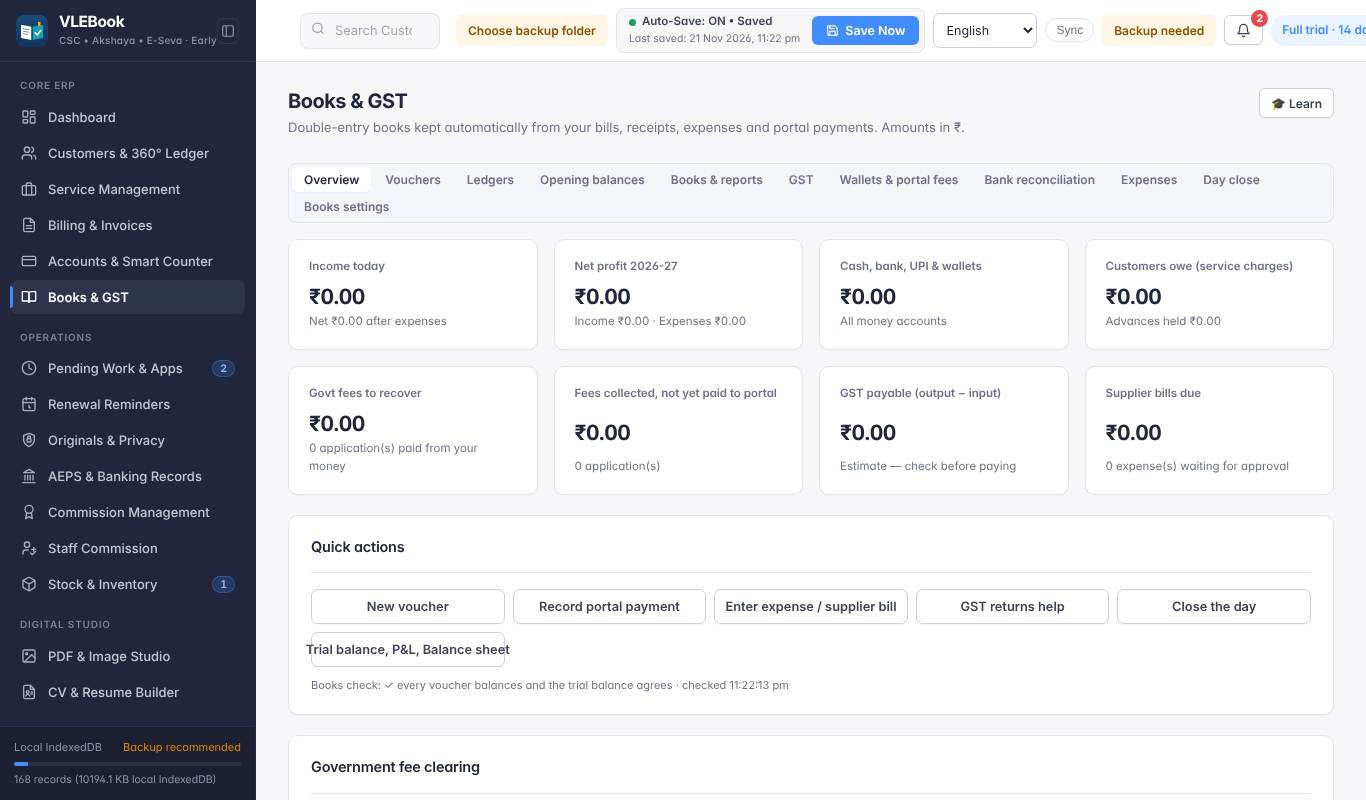
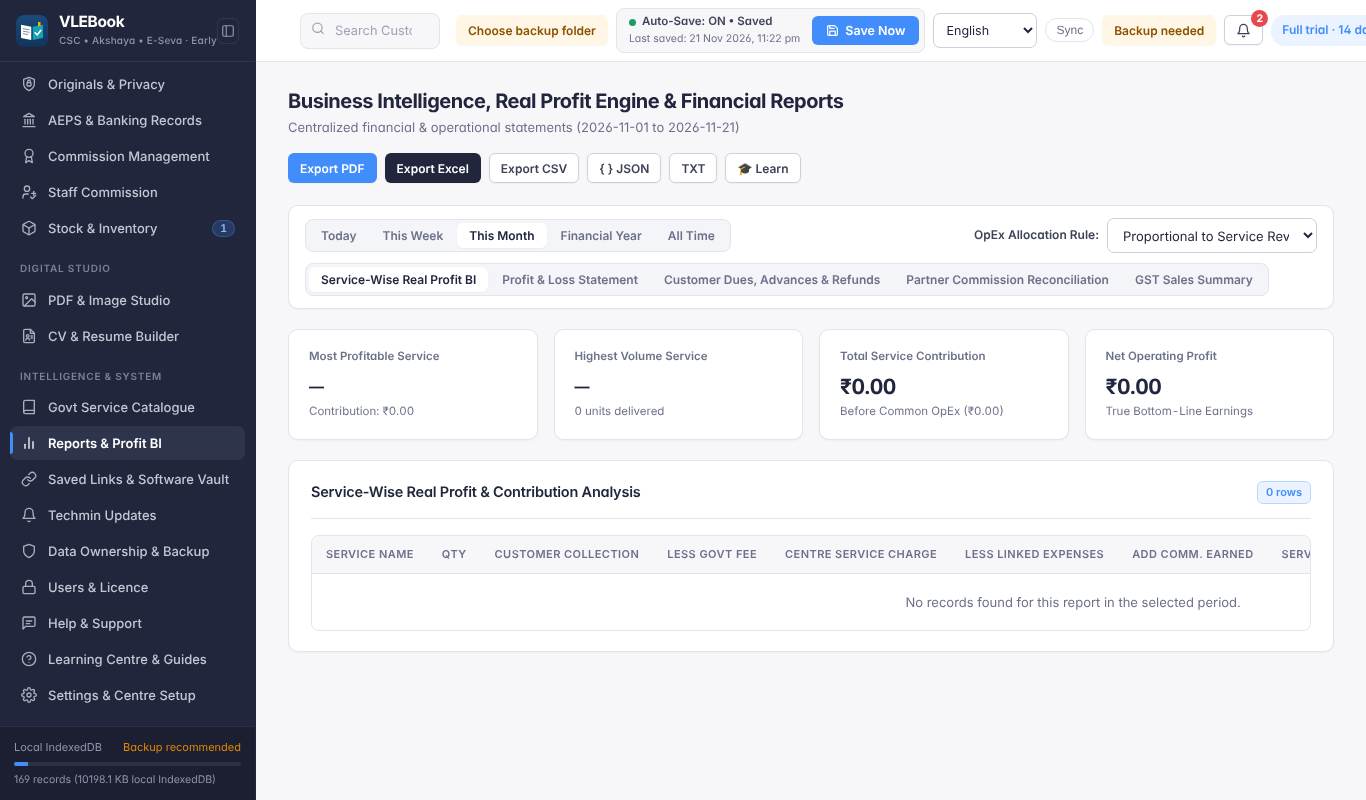
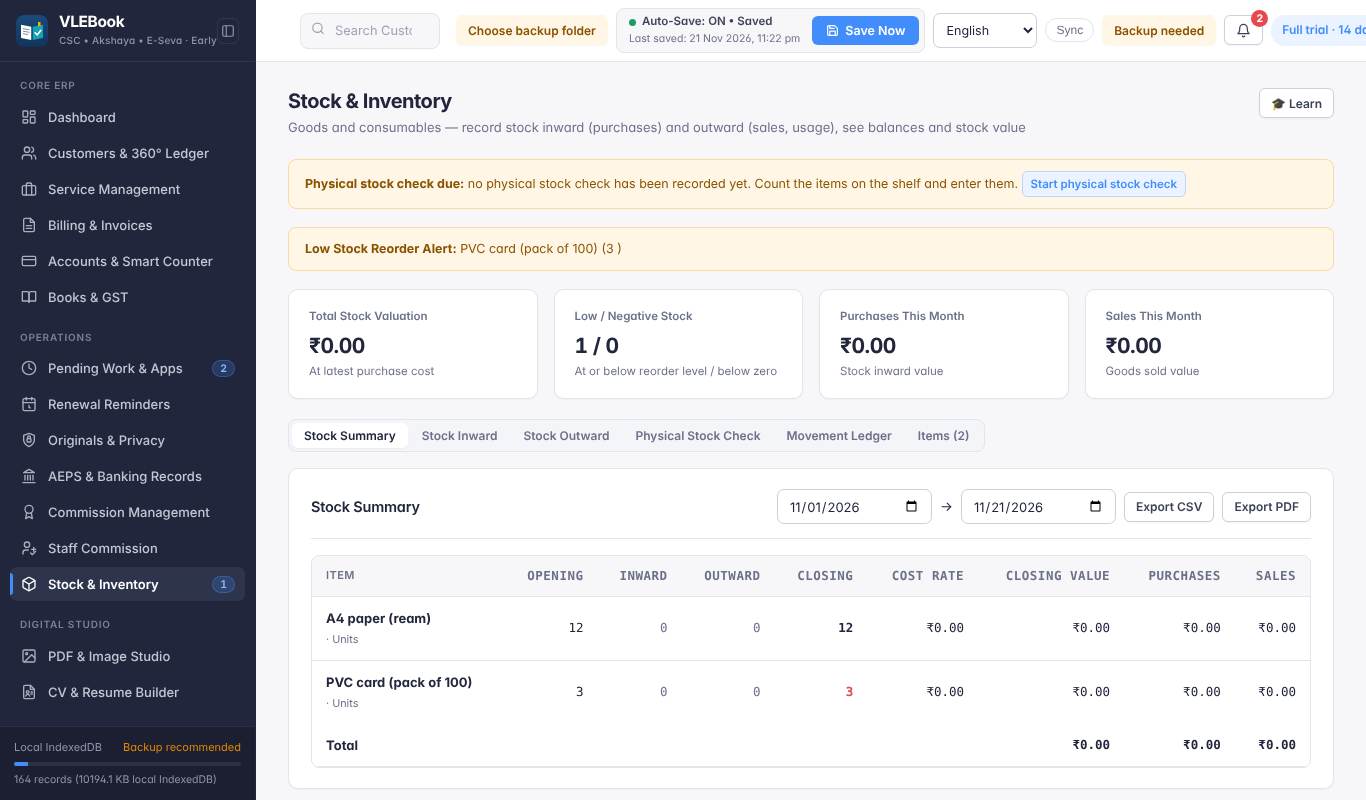
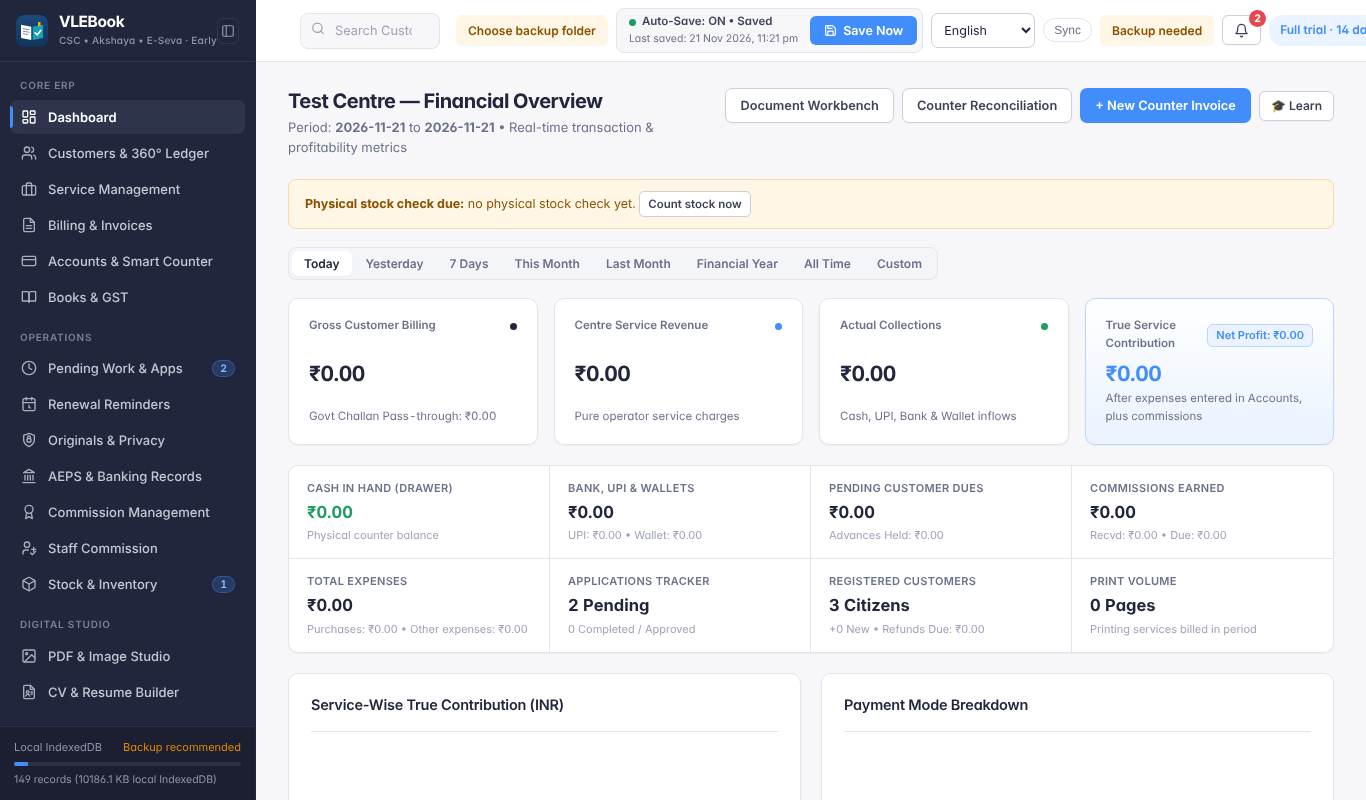
VLEBook dashboard with sample data

Everything a service centre needs

Built around how CSC and Akshaya centres really work: government fees kept apart from your service charge, portal wallets, applications to follow up and documents to prepare.

🧾

Billing & GST

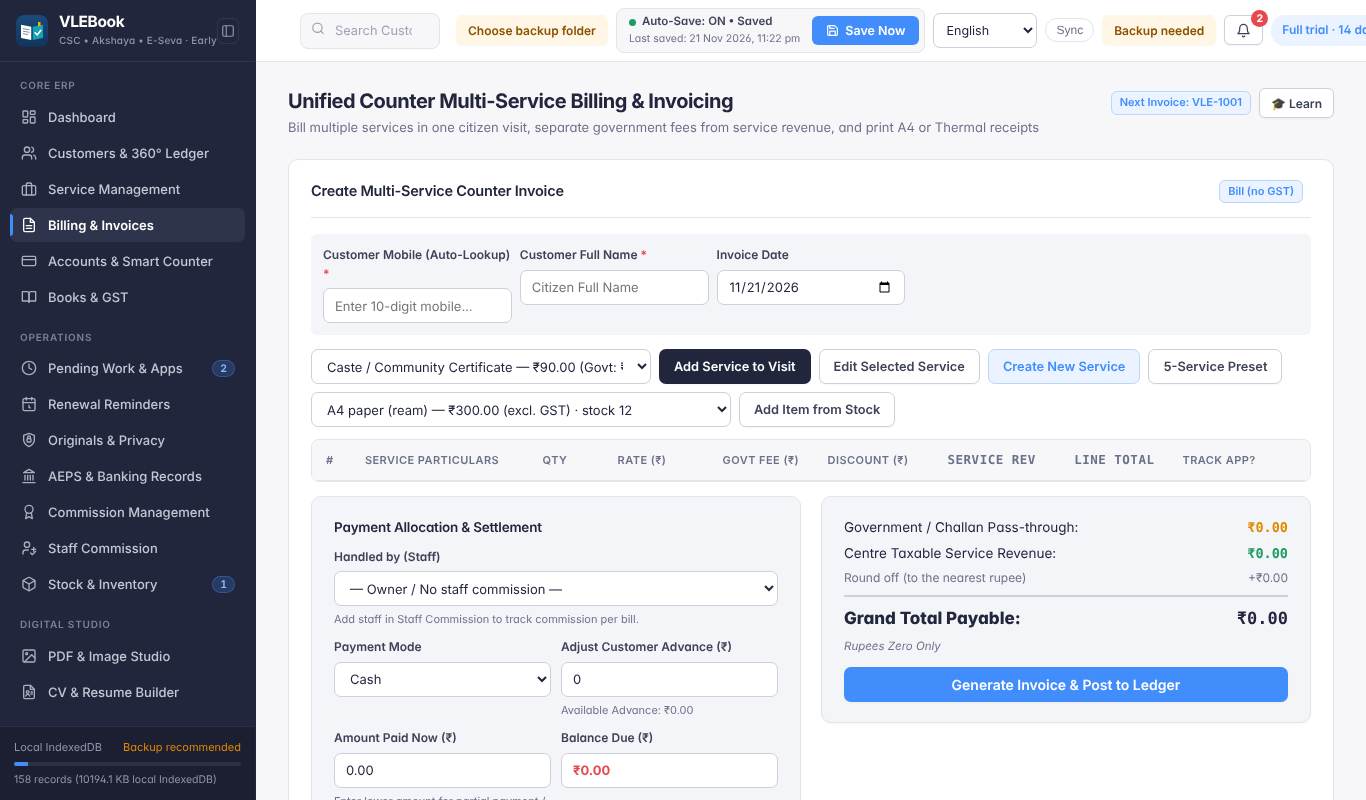
  • Multi-service bills; government fee and service charge kept apart
  • Tax Invoice, Bill of Supply or non-GST bill as per your registration
  • Customer GSTIN, credit notes, revised invoices, round off
  • Print A4 / 80 mm, PDF, WhatsApp share
📒

Books kept automatically

  • Double-entry books, trial balance, P&L, balance sheet
  • Cash book, bank book, day book, day close
  • Portal wallets and government fee clearing
  • GSTR-1 JSON, GSTR-3B and CMP-08 help, Tally XML
👥

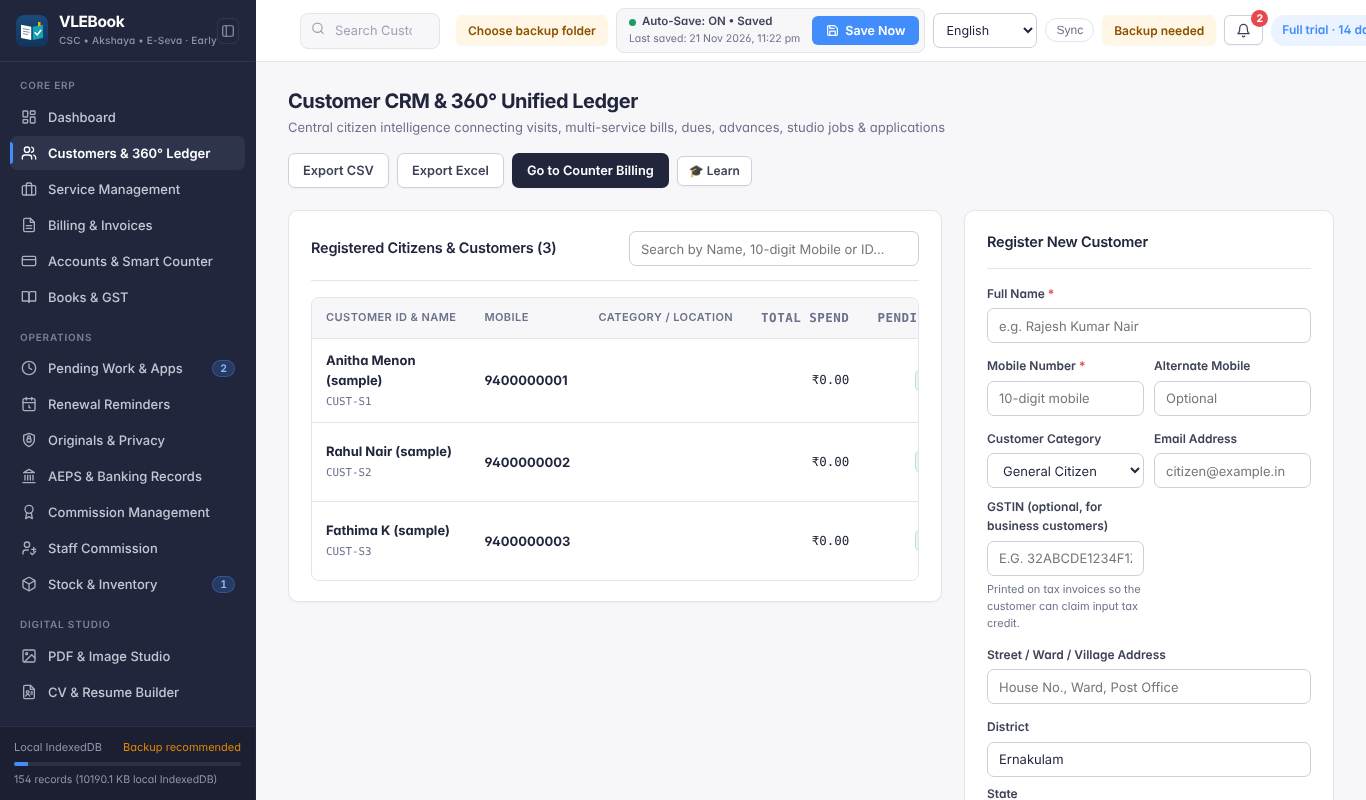
Customers & applications

  • 360° customer ledger with dues and advances
  • Application / acknowledgement / tracking numbers
  • Pending work follow-up
  • Names and addresses in Malayalam / Hindi
🖨️

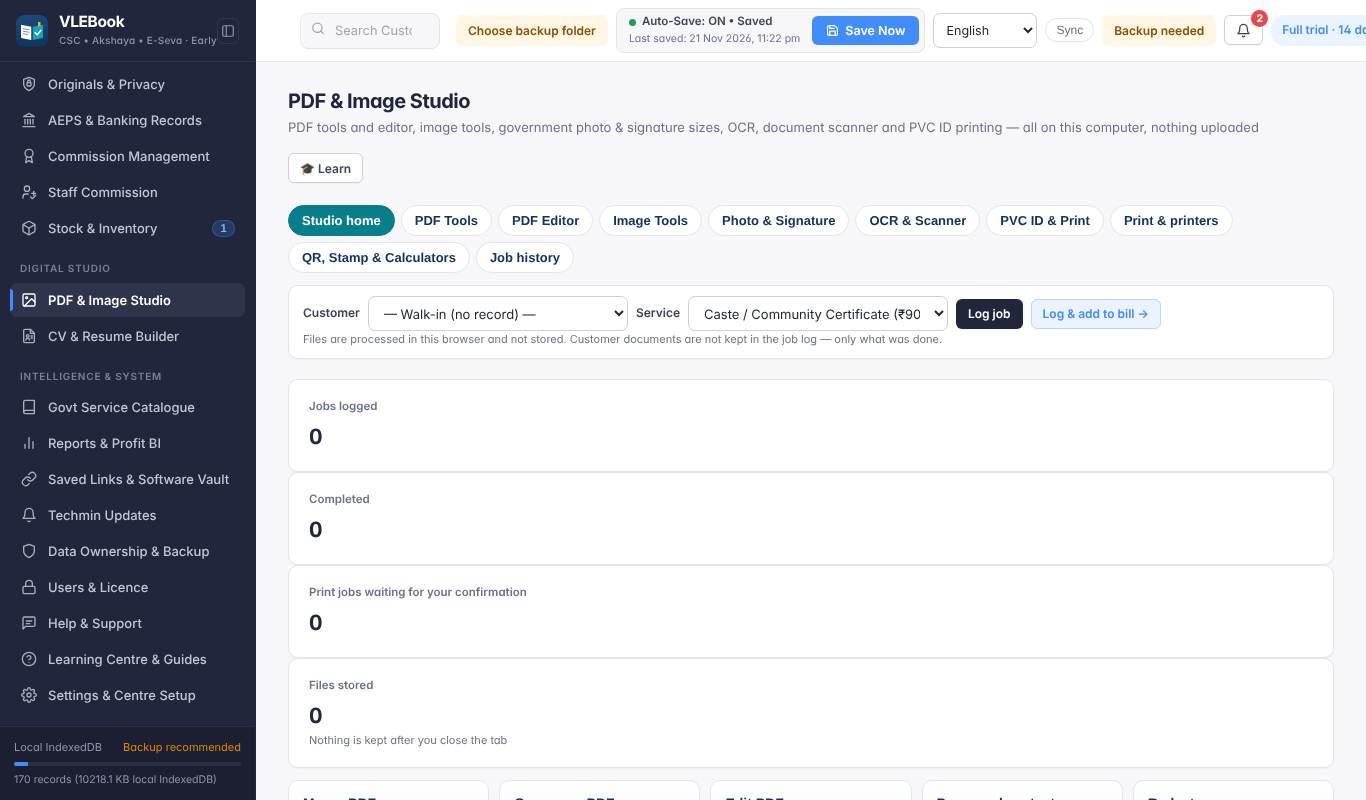
PDF, photo & PVC studio

  • Merge, split, compress, edit and protect PDFs
  • Exam photo & signature sizes with GREEN / AMBER / RED check
  • OCR in English, Malayalam and Hindi
  • PVC ID cards, auto-fit to the card, any printer
🔔

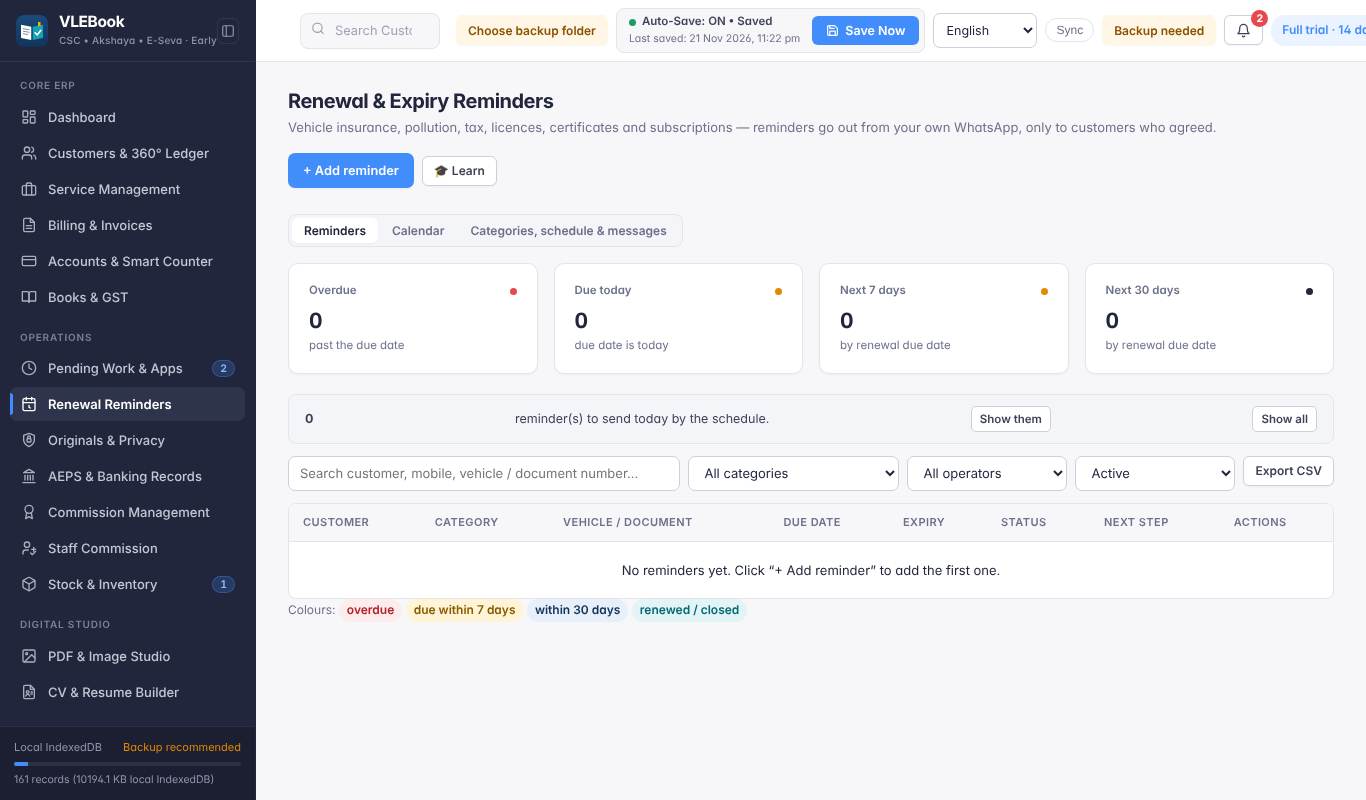
Reminders & documents

  • Insurance, pollution, tax and licence renewals
  • WhatsApp messages in three languages, with consent
  • Original-document receipts and custody history
  • Customer data requests and retention rules
📦

Stock, staff & AEPS

  • Stock in / out, physical check, low-stock alerts
  • Staff logins, roles and commissions
  • AEPS and banking records
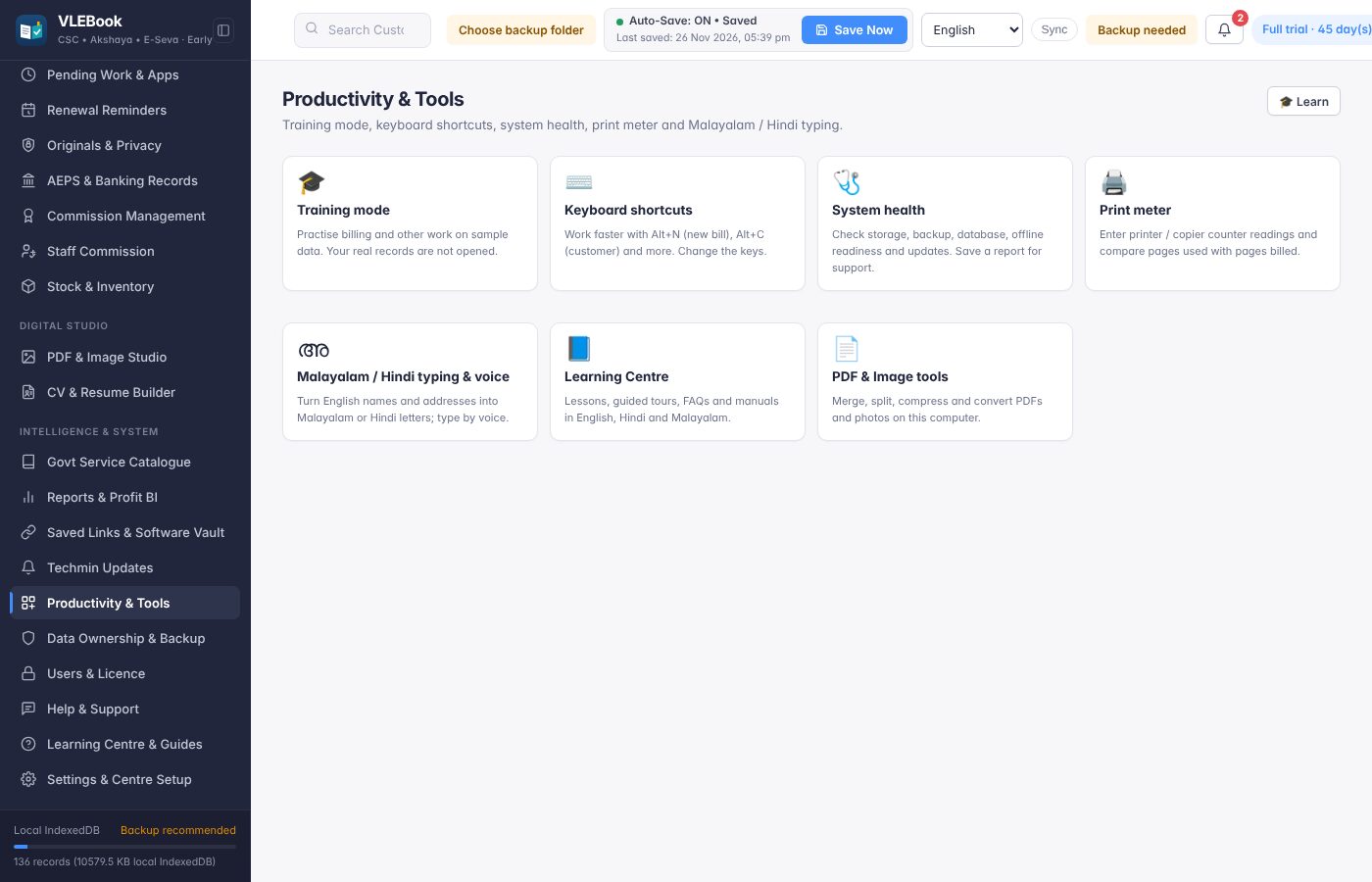
  • Print meter: pages used vs billed
🎓

Learn & get help

  • Lessons for every screen with guided tours
  • Training mode on practice data
  • Printable manuals in three languages
  • Support tickets to Techmin from inside VLEBook
🔒

Safe and private

  • Business data stays on your computer
  • Automatic backups to your own Drive, OneDrive, Dropbox or folder
  • Audit log of every action; staff permissions
  • System health check and backup test
🖥️

One centre, many counters

  • Two or three computers working together
  • Separate invoice series per counter
  • Keyboard shortcuts for fast billing
  • Automatic updates

See it in action

Real VLEBook screens, shown with sample data.
Simple pricing

Start with a 45-day free trial (1 month + 15 days) with every feature. Then pay monthly, or yearly and get 12 months for the price of 11. Prices are before 18% GST.

GST @ 18% is added: CGST 9% + SGST 9% for centres in Kerala, IGST 18% for other States. Without a plan, VLEBook keeps working in free Basic mode, so you never lose access to your own data. Prices may change for future periods, never for a period already paid.

Pay online — licence and GST invoice in seconds

Buy or renew from inside VLEBook: Users & Licence → Buy or renew.

Choose a plan
Monthly or yearly, and enter your GSTIN if you are registered.
Pay with Razorpay
UPI, debit / credit card, net banking or wallet. VLEBook never sees your card or bank details.
Licence applied instantly
Techmin confirms the payment with Razorpay and your licence is applied automatically.
GST tax invoice & receipt
Issued by Techmin Wealth Partners (GSTIN 32AEQPV4581H1ZZ), emailed to you and kept in My invoices.

Questions

Do I need the internet?

Daily work runs offline on your computer. The internet is needed to set up the account, buy or renew, receive Techmin notices and for automatic backups to an online folder.

Where is my data kept? Can Techmin see it?

Your customers, bills and accounts stay on your own computer and in the backup folder you choose. Techmin receives only registration, licence and sign-in records — never your business data. See the Privacy Policy in VLEBook (Help & Legal).

Can I claim input tax credit?

Yes, if you enter your GSTIN when you buy. Techmin's tax invoice then shows your GSTIN. Check eligibility with your accountant.

What happens when my plan ends?

You get 3 grace days, then VLEBook works in free Basic mode (customers, up to 10 invoices a day, pending work and backup) until you renew. Your data is never deleted.

Can I get a refund?

See the Refund Policy in VLEBook (Help & Legal). Contact admin@techmincsc.in.

Is VLEBook a government or CSC product?

No. VLEBook is an independent product of Techmin Wealth Partners. It is not made, approved or endorsed by CSC SPV, the Kerala State IT Mission (Akshaya) or any Government department.

Try VLEBook free for 45 days

No payment needed to start. All features open.

Open VLEBook